Click the Connect button of the PostHog integration
PostHog integration
Jimo → PostHog
Requirements
The Posthog Javascript SDK needs to be injected and used in your application for this to work.
Send Jimo events to PostHog. This setup would allow you to capture a comprehensive view of user engagement across your platform. By funneling events from Jimo into PostHog, you can leverage PostHog's powerful analytics tools to track, visualize, and analyze user interactions, helping you to better understand user behavior and refine user experience strategies based on actionable insights. This connection ensures that all relevant user activity within Jimo is seamlessly integrated into PostHog's analytical environment.
Visualize and create analytics dashboard based on Jimo events in PostHog
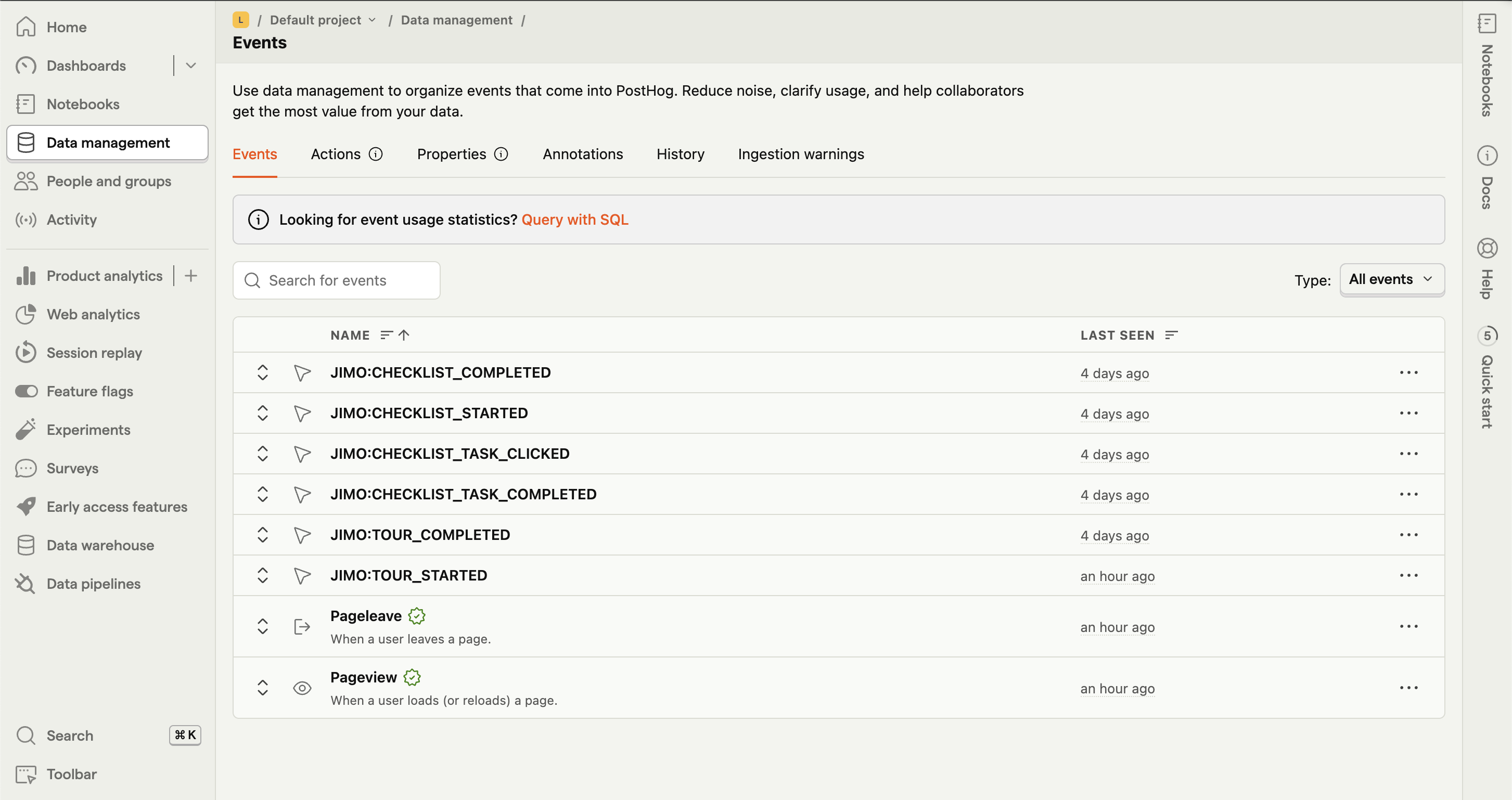
You can find a list of possible events and their properties
Enable the option Jimo → PostHog in the integration settings
Enable Jimo → PostHog
You are all setup 🎉
PostHog → Jimo
Send PostHog events to Jimo. This setup enables the utilization of PostHog's events within Jimo targeting audiences, specifically for the "Who" section (targeting specific user segments) and creation of Segment of users. This ensures that Jimo's engagements are deeply personalized, enhancing user interaction based on precise analytical insights from PostHog.
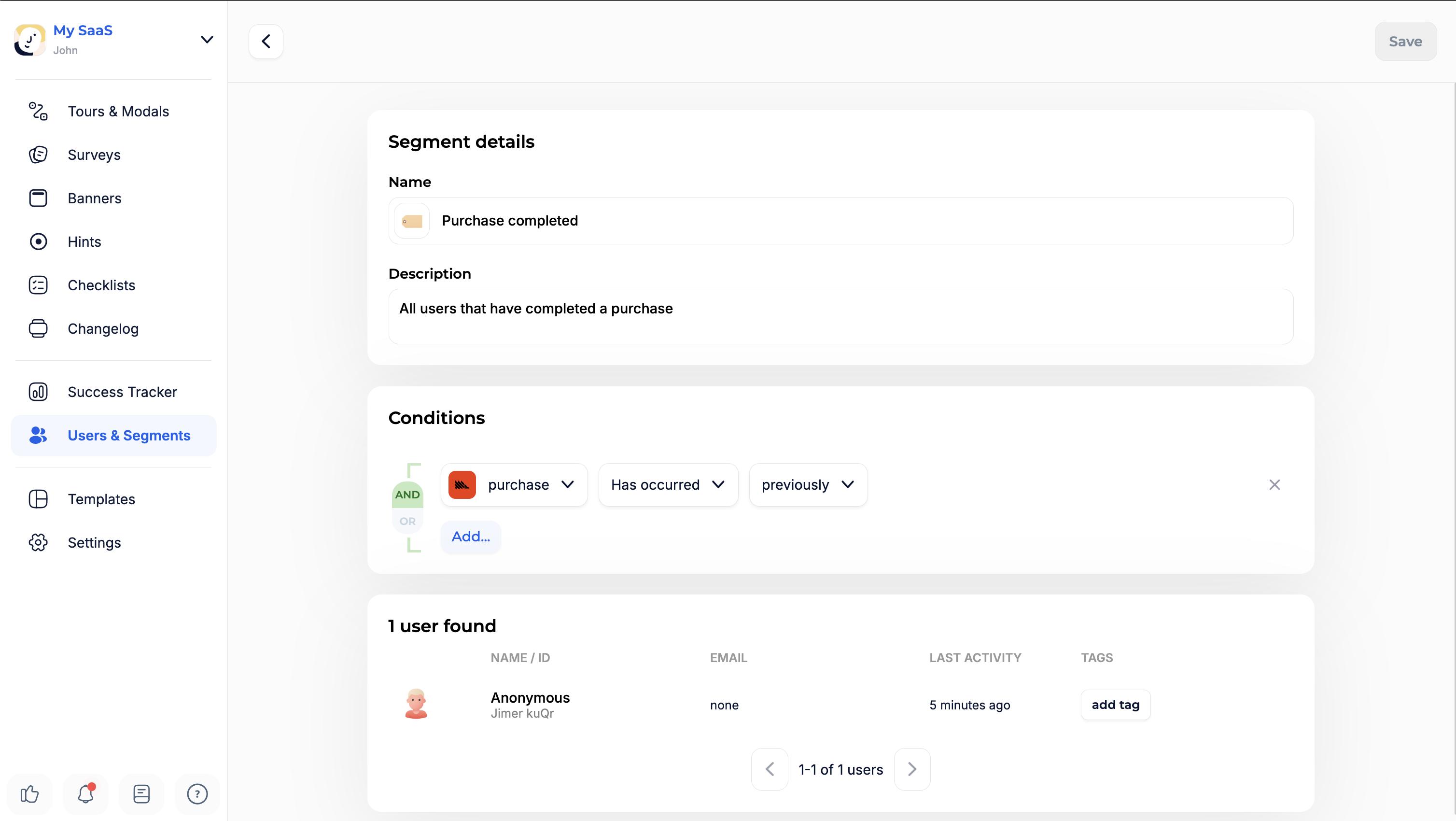
Create audience based on PostHog events
How to enable?
Enable the option PostHog → Jimo in the integration settings
Enable PostHog → Jimo
Add the following code in your application
You are all setup 🎉
Trigger an experience from a PostHog event
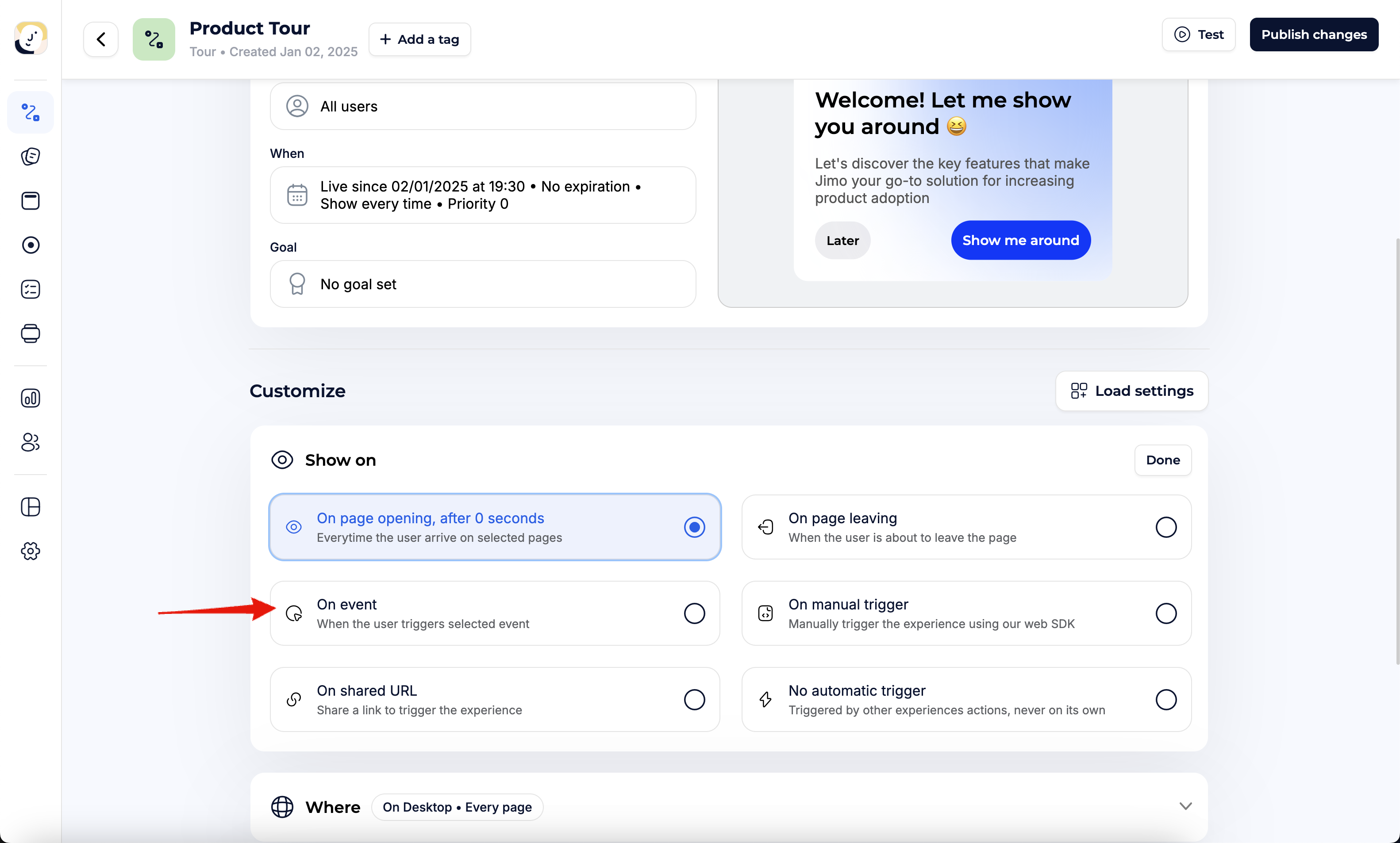
To display an experience following a PostHog event in your application, go to the Settings page of the experience, set the trigger to 'On event,' and select the specific PostHog event to use.
Set the experience trigger to On event
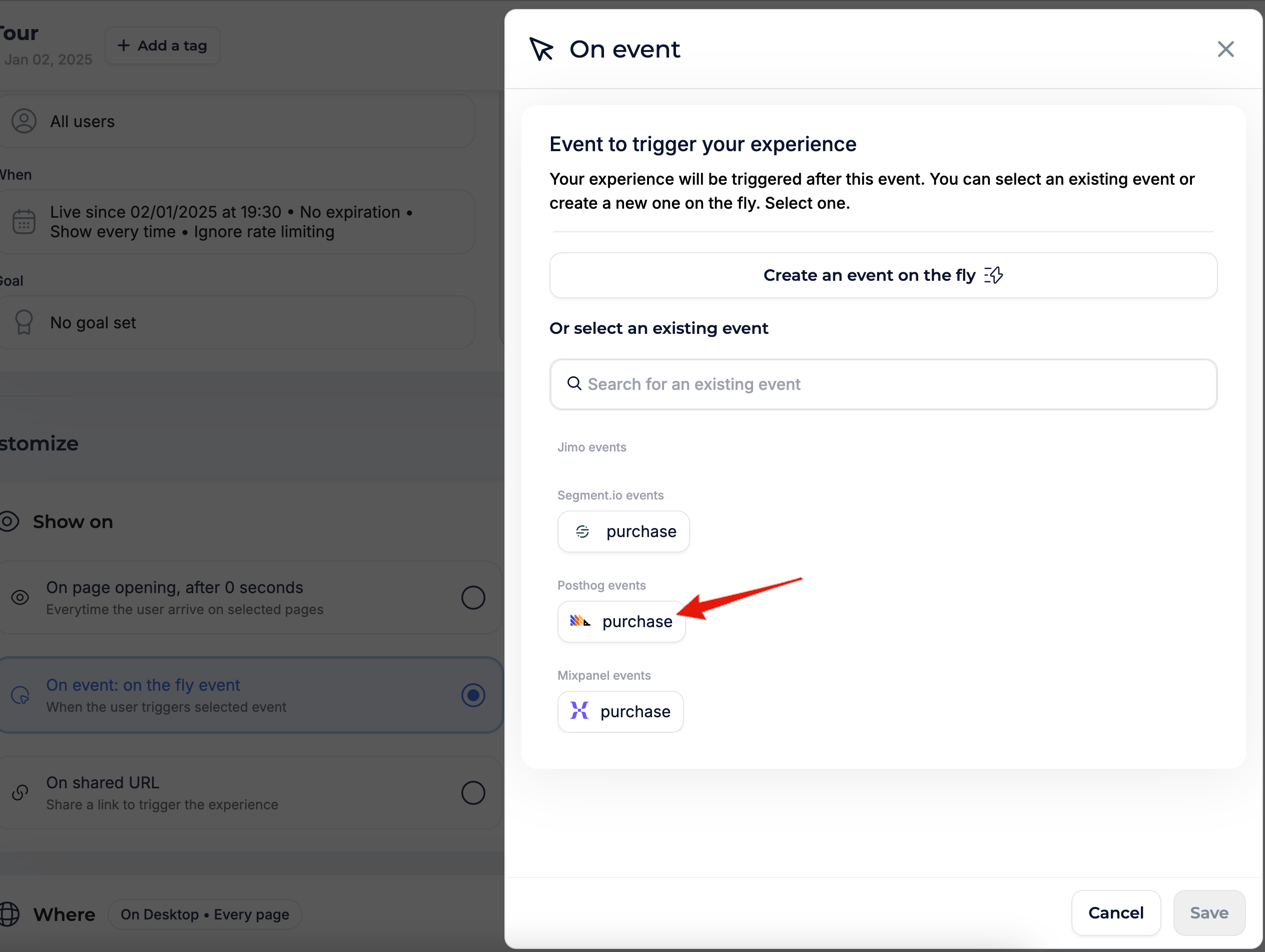
Select the PostHog event that should trigger the experience
/**
Numerous organizations employing PostHog for event tracking generally maintain
a universally accessible function for capturing these events.
The easiest method to ensure all these events are also recorded in Jimo
is by integrating a posthog:capture call from the Jimo SDK into this existing function.
This technique guarantees the simultaneous capture of events across both platforms.
*/
// Create a universal function
const captureEvent = (name, properties) => {
posthog.capture(name, properties); // You should have this already
window.jimo.push(["do", "posthog:capture", [name, properties]]);
};
// Let's use it
captureEvent("purchase", { amount: 199 })