> For the complete documentation index, see [llms.txt](https://help.usejimo.com/docs/llms.txt). Markdown versions of documentation pages are available by appending `.md` to page URLs; this page is available as [Markdown](https://help.usejimo.com/docs/experiences/changelog/posts/post-preview.md).
# Post Preview
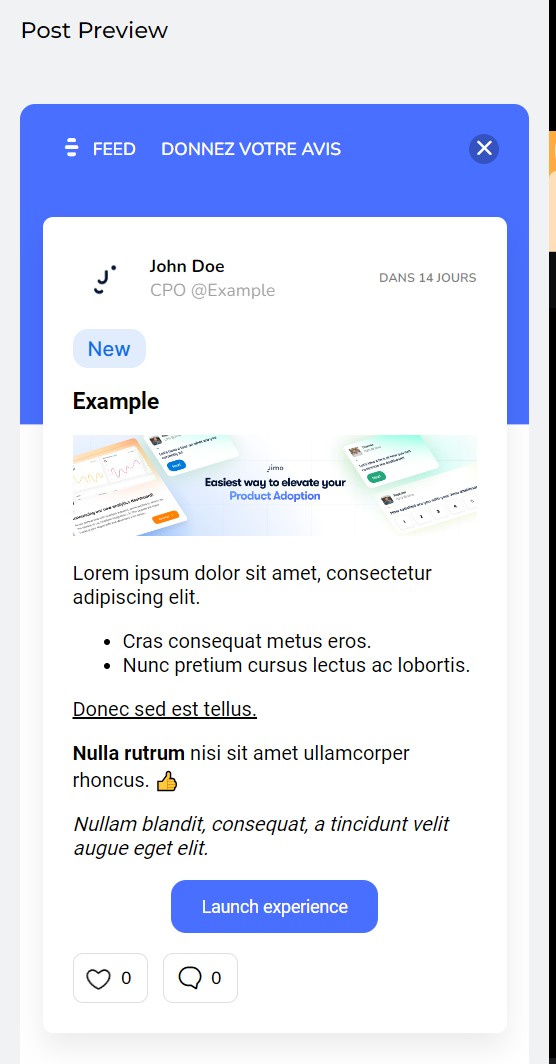
The Post Builder Preview section allows you to see a real-time view of your post, ensuring the design and layout meet your expectations.
## **Key Features of the Post Builder Preview**
### **Live Update**
* **Real-Time Changes**: As you make changes in the editor, the preview updates in real-time to reflect these modifications.
* **Current Post Display**: This area displays the current post you are editing, allowing you to see exactly how your content will appear to users.
### **Adaptive Preview**
The preview area adapts based on the content you create and modify within the Post Builder:
* **Post Content**: Shows the content of your post as you write and format it.
* **Media Embedding**: Displays embedded images, videos, and other media in the context of the post.
* **Formatting Styles**: Reflects text formatting changes, such as headings, lists, bold, and italics.
* **Interactive Elements**: Demonstrates how CTAs, comments, and likes will appear and function in the final post.
### **Scrollable View**
* **Full Post View**: You can scroll through the preview area to see the entire post, ensuring all elements are correctly displayed and aligned.
***
## Dashboard Previews
The Dashboard provides various preview options to help you see how your posts and changelog will appear to users.
### **List View**
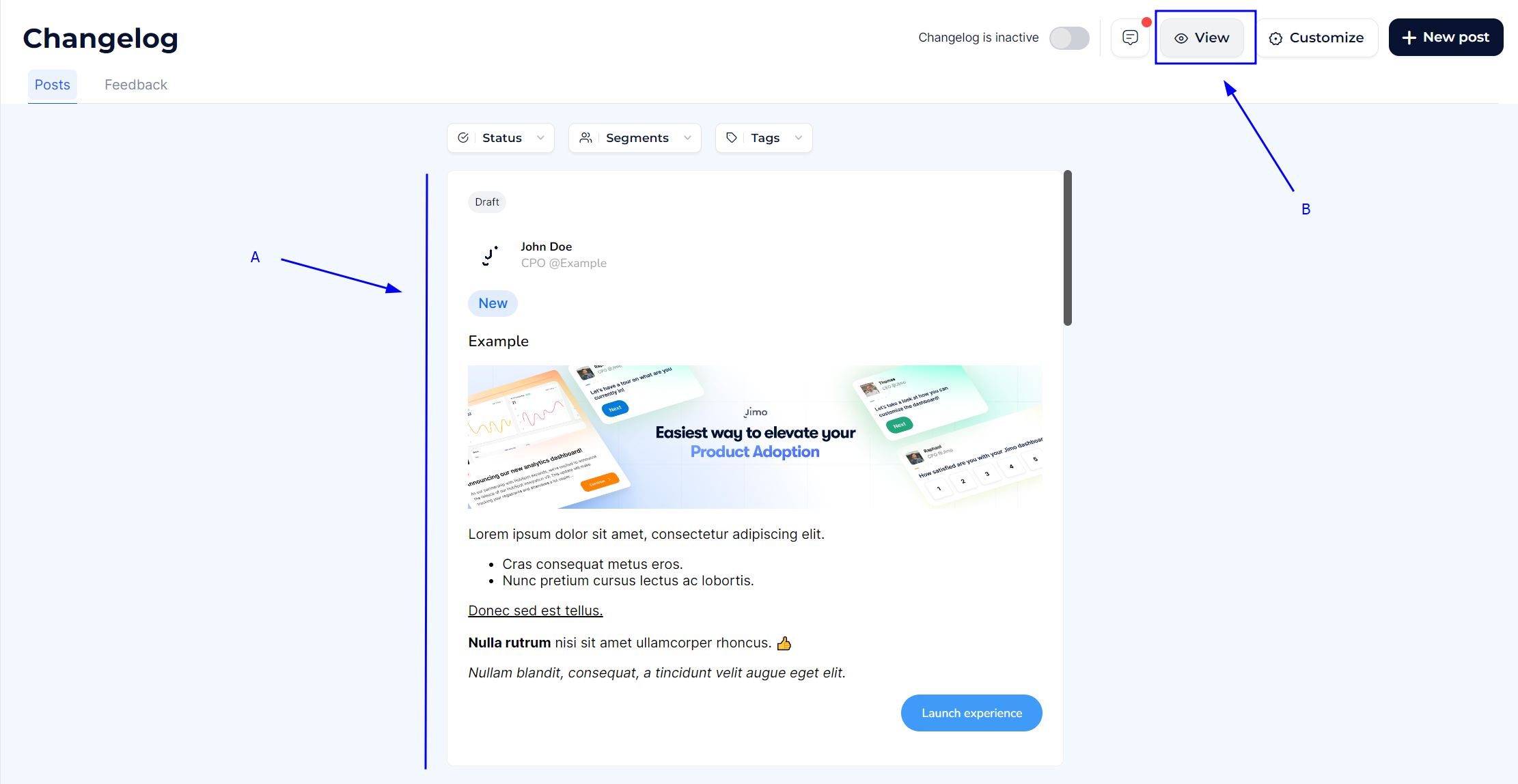
* Shows a list of all posts with their current statuses and key details **(A)**.
* **How to Use**: Review the list to get an overview of all your posts and quickly identify their status (e.g., draft, published).
### **Live Widget Preview**
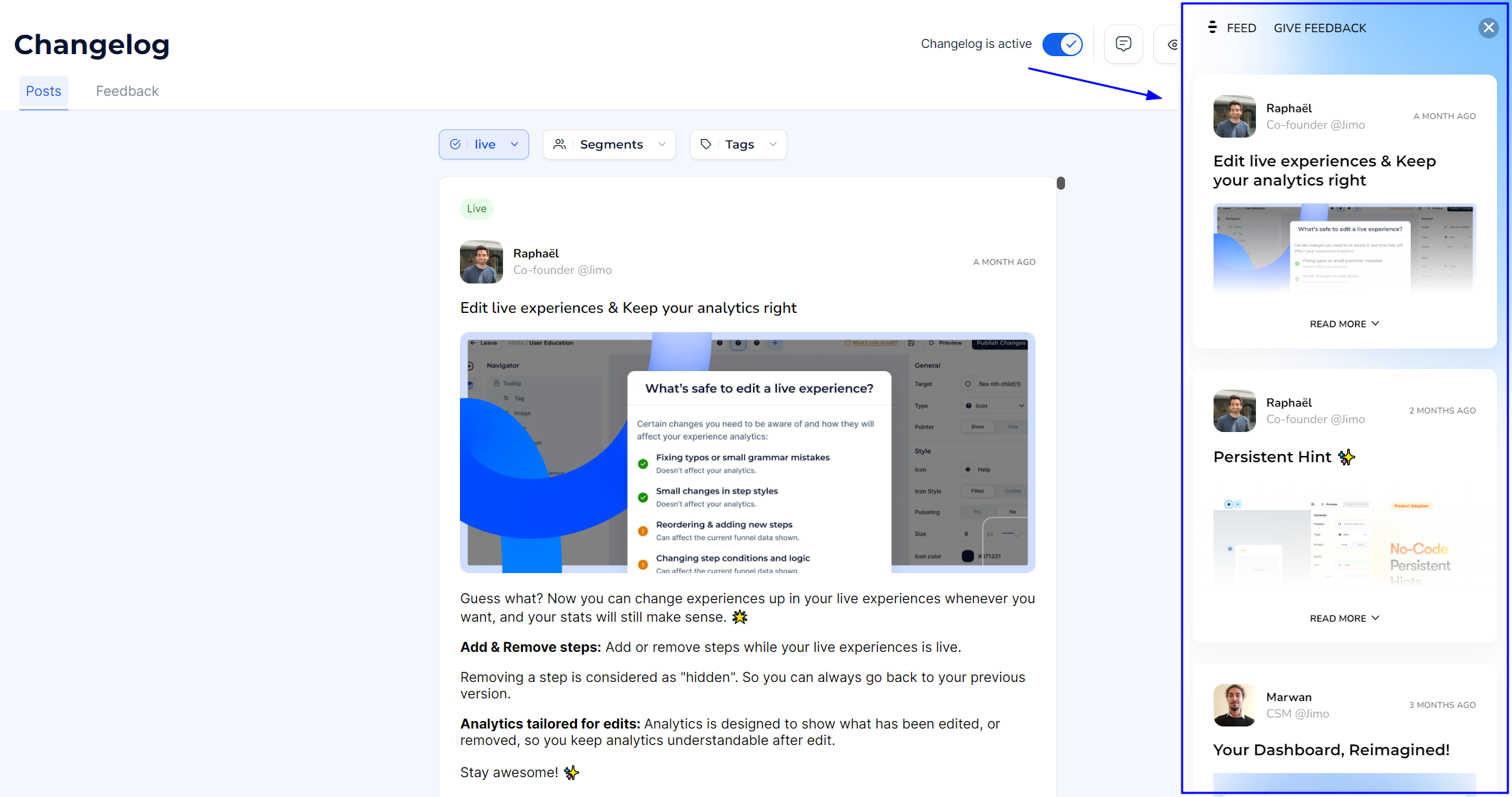
* Displays how the changelog will appear in the widget format on your site **(B)**.
* **How to Use**: Click on the "View" button in the top right corner to open the live widget preview. This helps you see how users will interact with the changelog on your actual site.
Changelog preview
{% hint style="info" %}
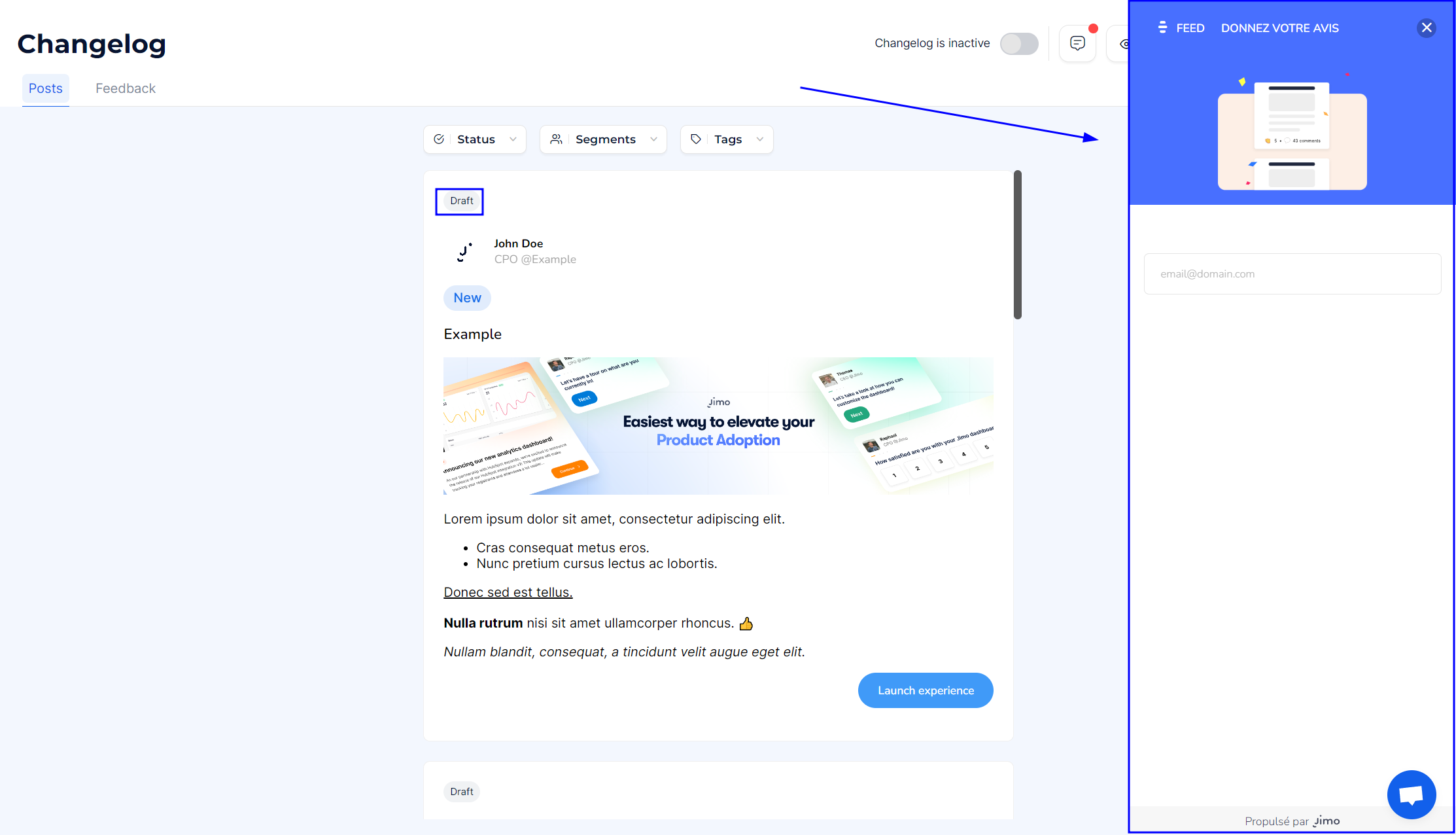
This preview is strictly the same as the one displayed for user, you'll not see any Drafts only Live posts are displayed.
{% endhint %}
Empty changelog preview
The Post Builder Preview and Dashboard Previews provide powerful tools to visualize and refine your content before publishing. Leverage real-time updates, scrollable views, and detailed previews to ensure your posts are engaging, informative, and visually appealing.