> For the complete documentation index, see [llms.txt](https://help.usejimo.com/docs/llms.txt). Markdown versions of documentation pages are available by appending `.md` to page URLs; this page is available as [Markdown](https://help.usejimo.com/docs/integrations/calendly-google-calendar-zcal.md).
# Calendly, Google Calendar, Zcal
How to use Calendly, Google Calendar or Zcal in Jimo
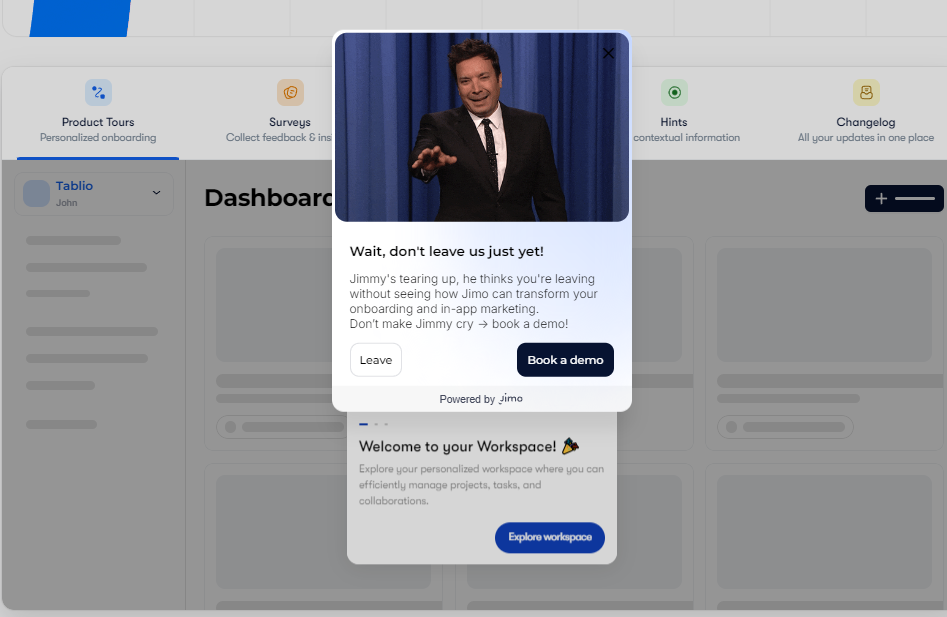
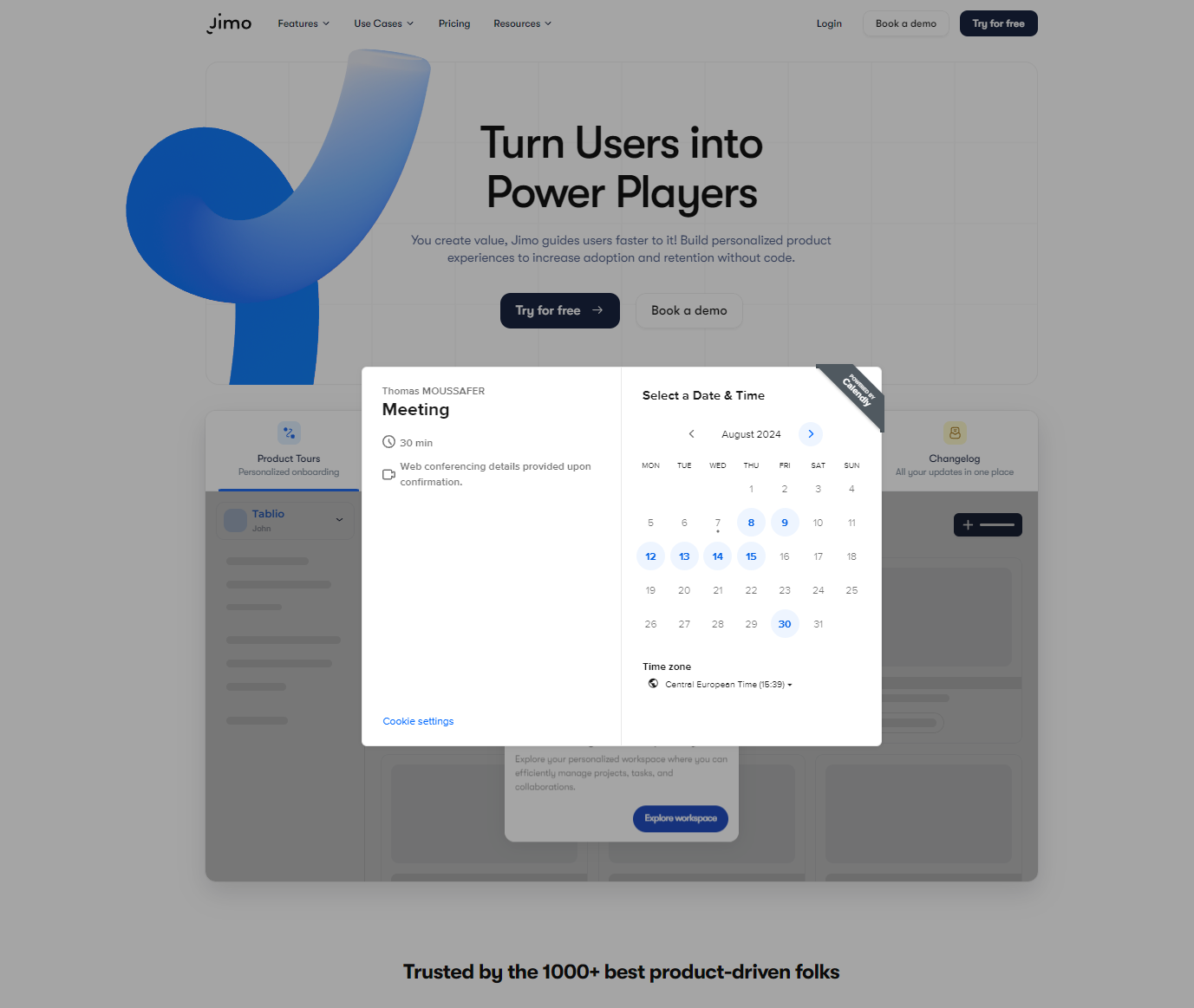
This integration allows you to display a booking schedule when you publish an interview block.
-> It will be displayed directly as a modal after your user clicks the custom primary CTA "Book a demo".
## How to
First, you will need to copy the link of your Calendly and paste it into the step editor.
{% embed url="" %}