# Builders
## Introduction to Builders
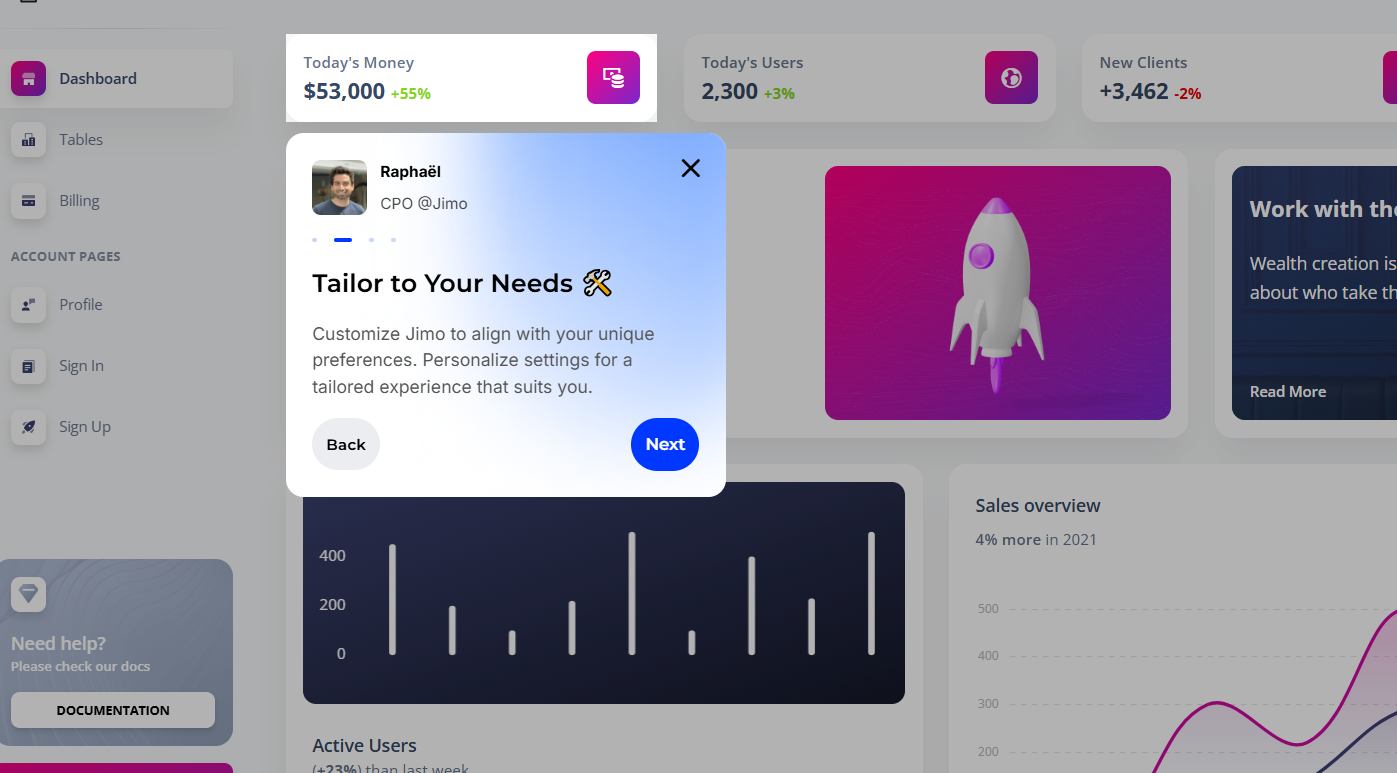
All experiences in Jimo share a similar builder structure but with specific variations based on their type:
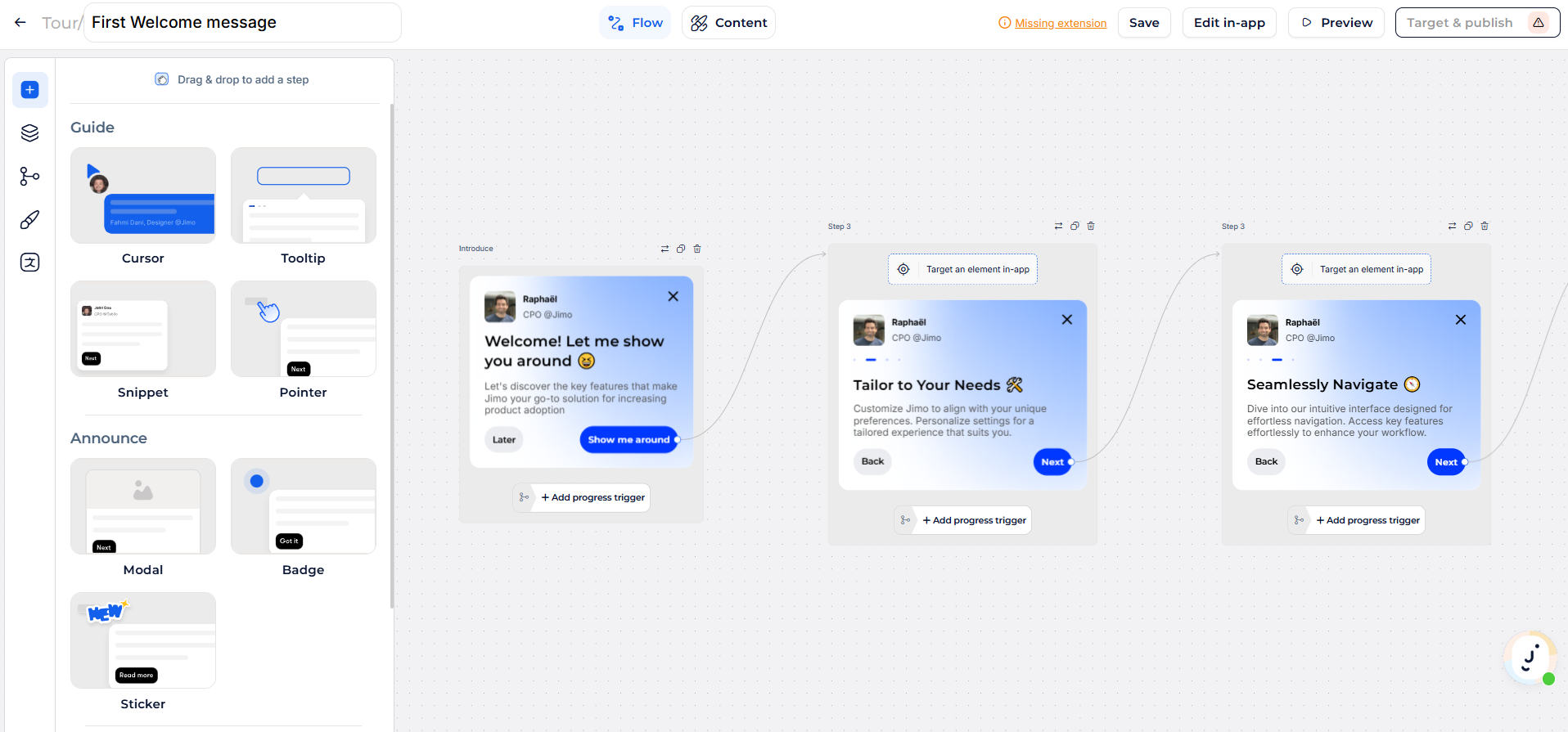
* **Flow Builder**: For managing sequential steps in experiences like Tours and Surveys.
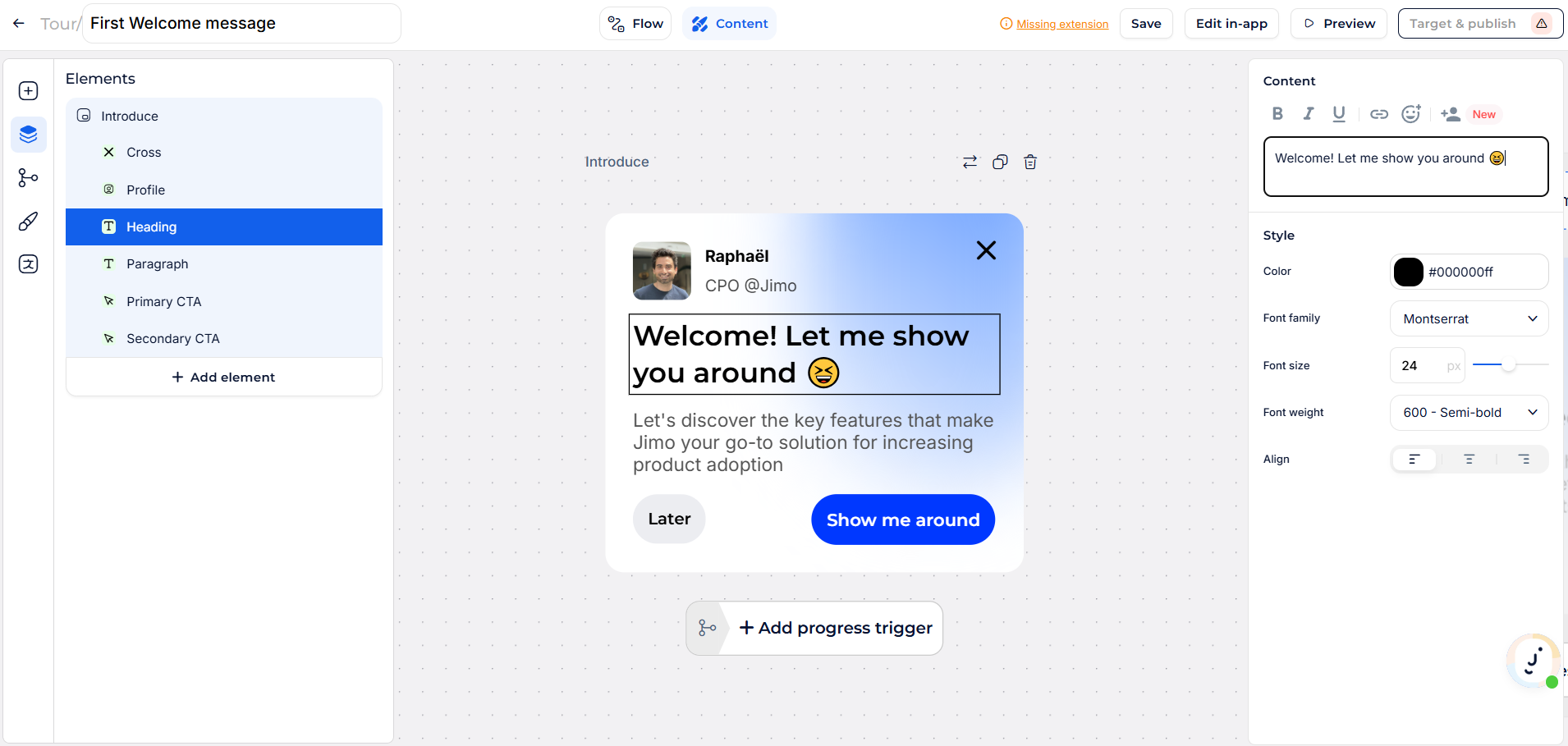
* **Content Builder**: For editing the content, design, and behavior of individual steps.
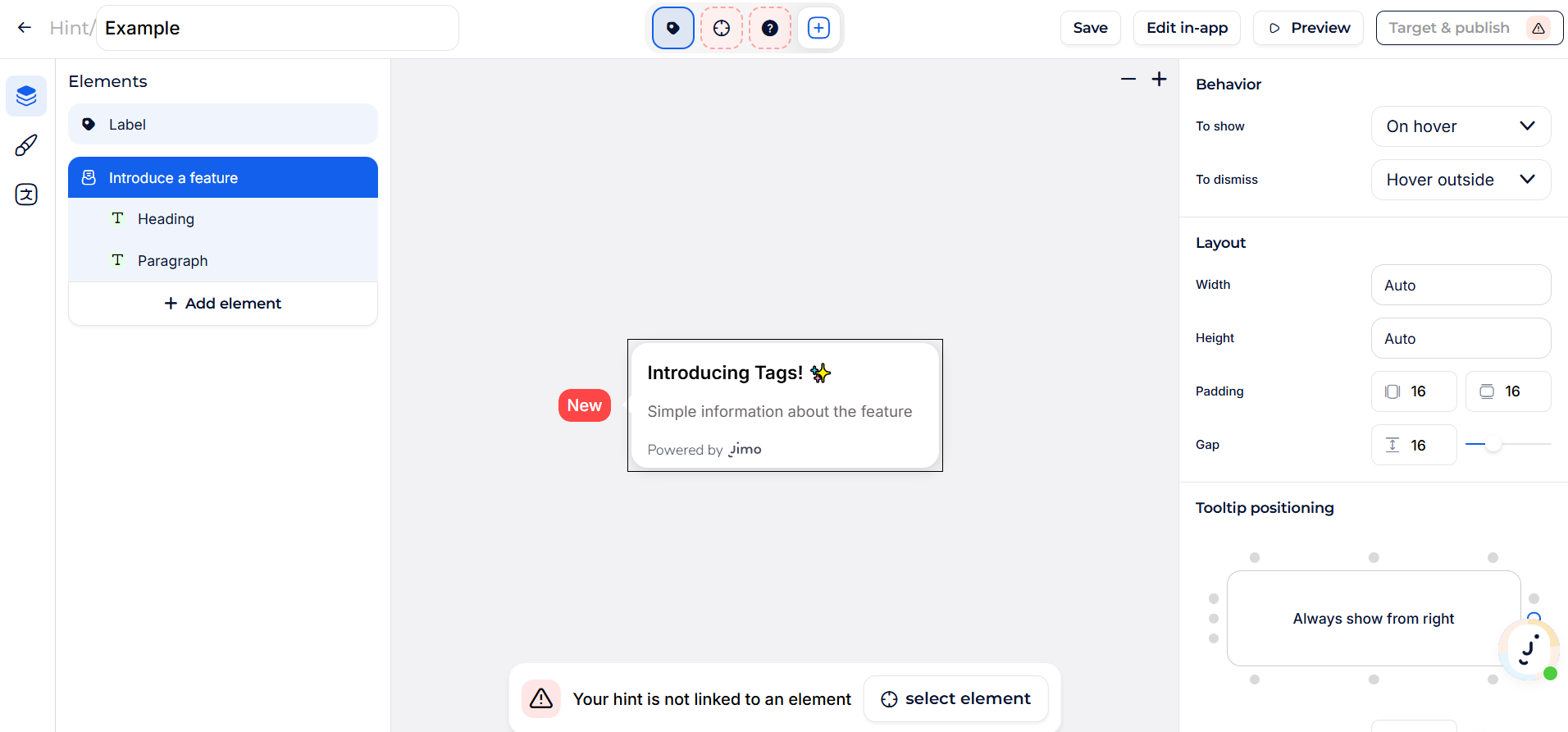
* **Legacy Builder**: Serves as a simplified content editor for non-sequential experiences.
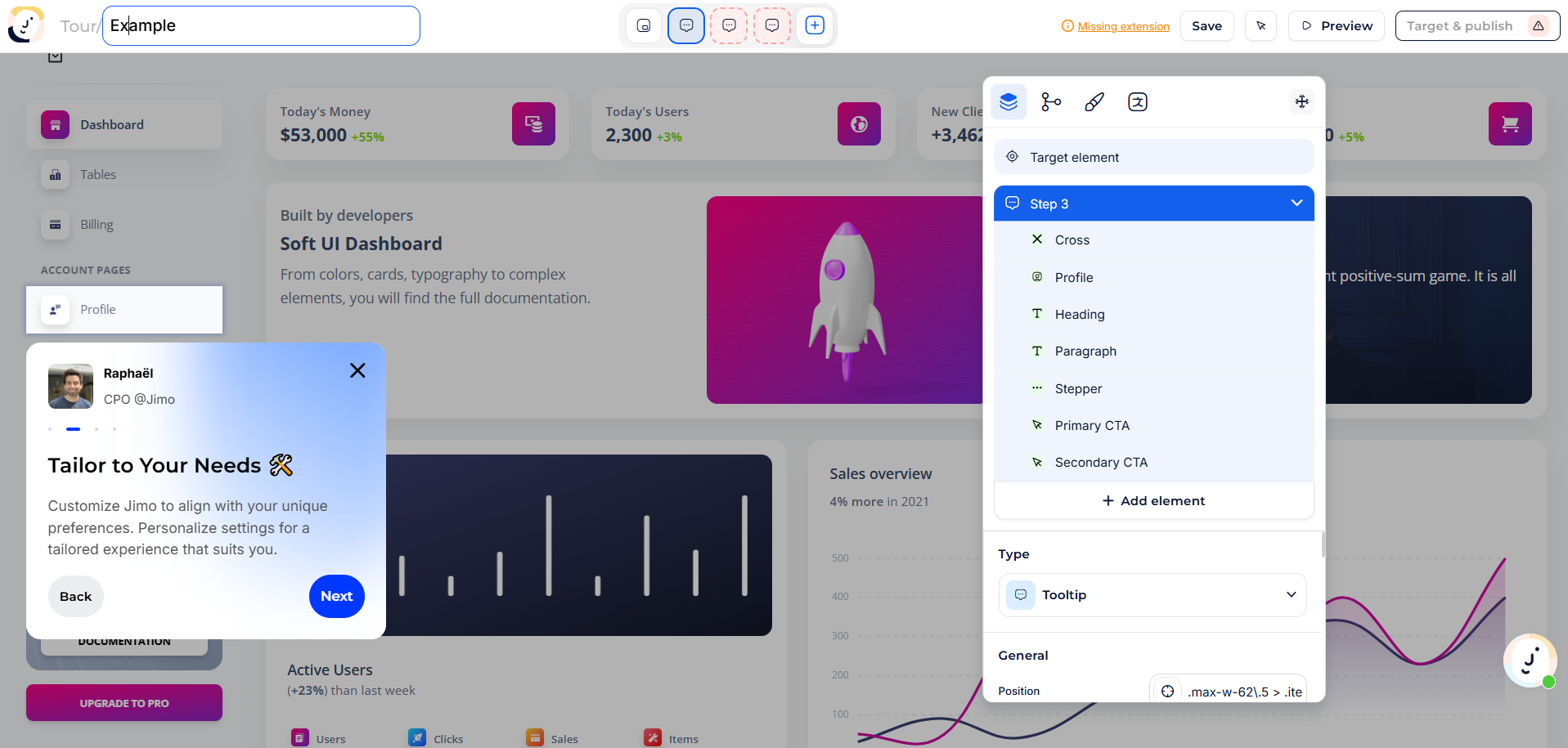
* **In-App Builder**: An overlay that lets you design directly in the context of your website.
* **AI Builder**: Acts as a smart starting point before continuing customization with other builders.
Each builder adapts to the needs of the experience type, ensuring flexibility and consistency in creating tailored user journeys.
***
## **When to Use Each Builder**
### [**Flow Builder**](https://help.usejimo.com/docs/build/builders/flow-builder)
* **Purpose**: To manage sequential logic and the progression between steps.
* **Applicable For**: Tours and Surveys.
* **Key Features**:
* Add, reorder, and connect steps to create a logical flow.
* Preview the entire user journey within a centralized view.
### [**Content Builder**](https://help.usejimo.com/docs/build/builders/content-builder)
* **Purpose**: To customize the design, style, and behavior of each step.
* **Applicable For**: All experiences, with varying access modes:
* **Sequential Experiences (Tours & Surveys)**: Open via the **Content** tab in the Flow Builder.
* **Non-Sequential Experiences (Banners, Hints, Checklists)**: Directly accessible as a standalone **Legacy Builder**.
* **Key Features**:
* Edit individual step content and parameters.
* Add elements like text, media, and buttons.
* Configure behaviors, styles, and positioning.
### **Legacy Builder**
* **Purpose**: A streamlined content builder for non-sequential or single-step experiences.
* **Applicable For**: Banners, Hints, Checklists, and Changelog posts.
* **Key Features**:
* Manage and design one step at a time.
* Accessible top bar for step selection and management.
### [**In-App Builder**](https://help.usejimo.com/docs/build/builders/in-app-builder)
* **Purpose**: To design experiences directly on your website for real-world context and precision.
* **Applicable For**: Tours, Surveys, Banners & Hints.
* **Key Features**:
* Attach steps to UI elements on your site.
* Visualize how content will appear in context.
### [**AI Builder**](https://help.usejimo.com/docs/build/builders/ai-builder)
* **Purpose**: To instantly generate an initial product tour draft using AI, either by capturing a flow of user actions or by highlighting selected interface elements.
* **Applicable For**: Tours only.
* **Key Features**:
* Record real user interactions to generate a step-by-step guide.
* Highlight specific UI elements to create contextual tooltips or messages.
* Seamlessly transition to Flow or In-App Builder for fine-tuning and customization.
***
## **Accessing Builders**
Sequential Experiences (Tours & Surveys)
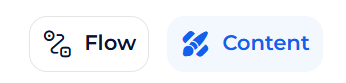
Access the Flow Builder first, then transition to the Content tab to refine each step.
Non-Sequential Experiences (Banners, Hints, Checklists)
Directly access the Legacy Builder to manage and edit individual steps.
In-App Builder (Tours, Surveys, Banners, Hints)
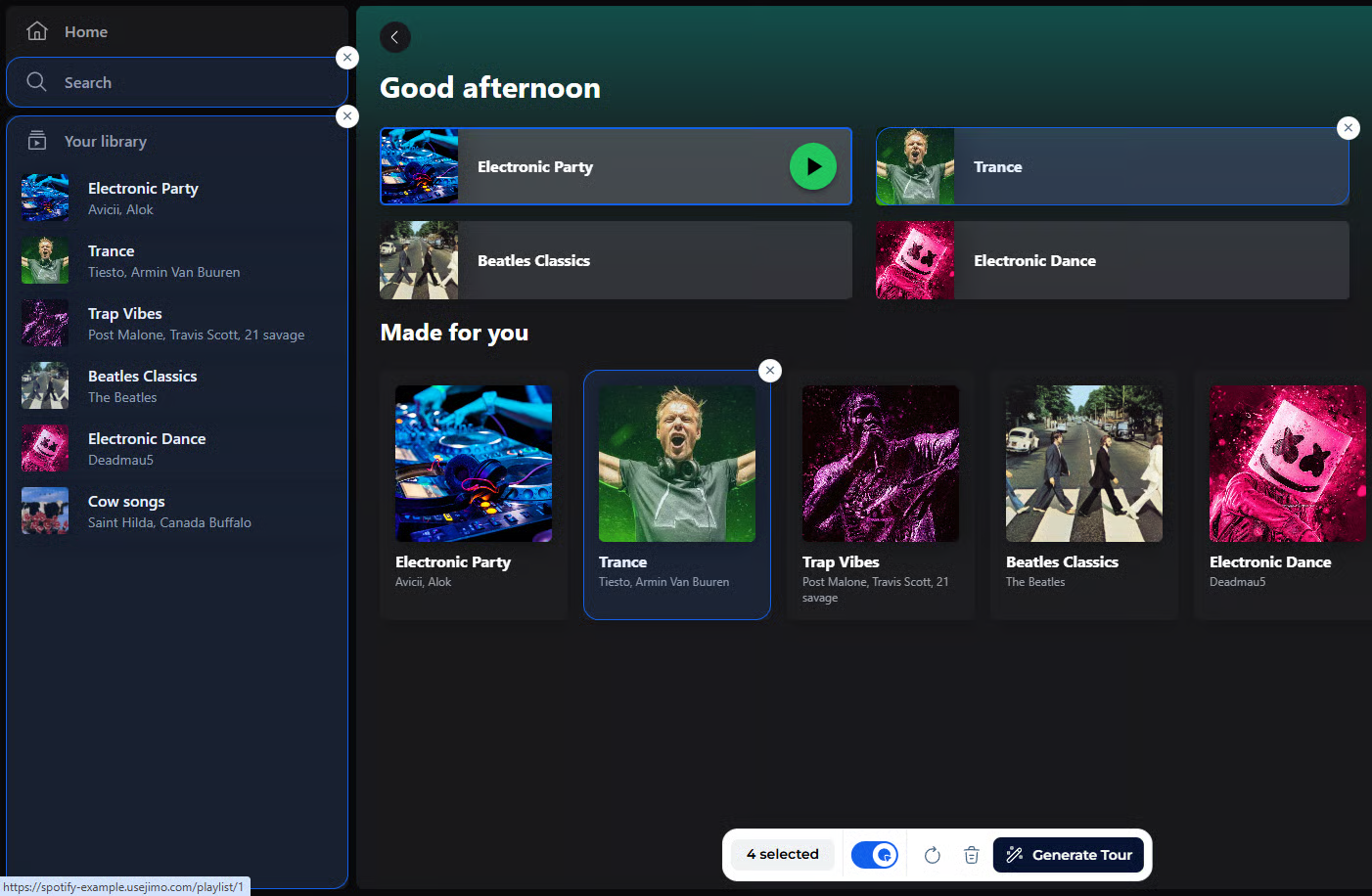
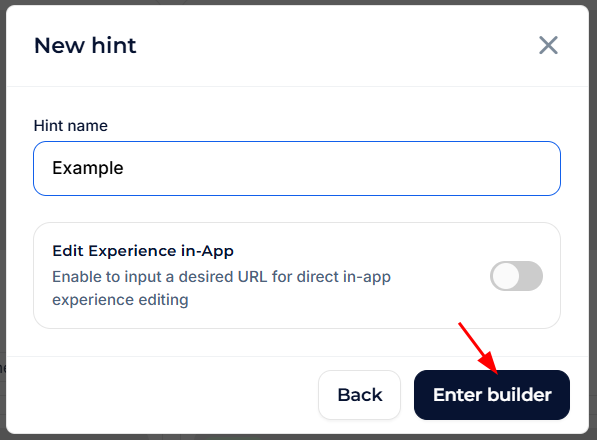
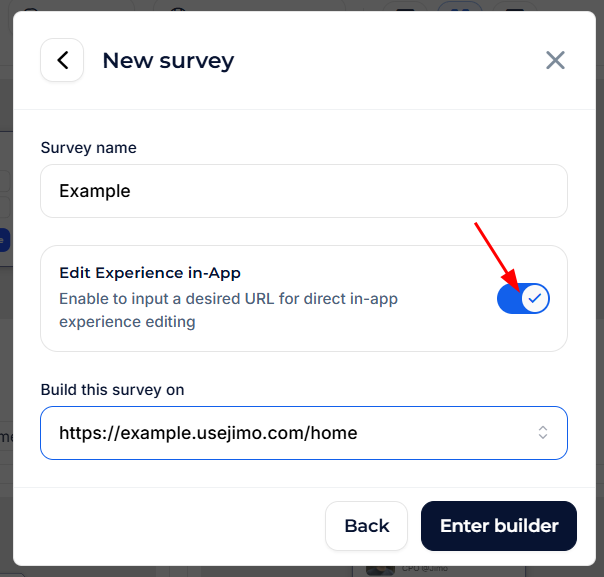
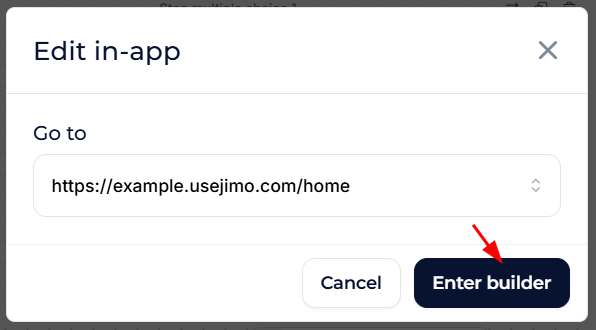
Check the option on creation or click the **Edit in App** button from the builder interface to switch to the overlay view.
AI Builder (Tours)
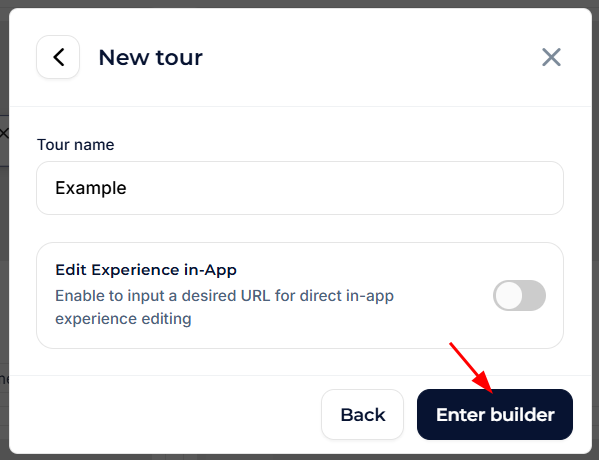
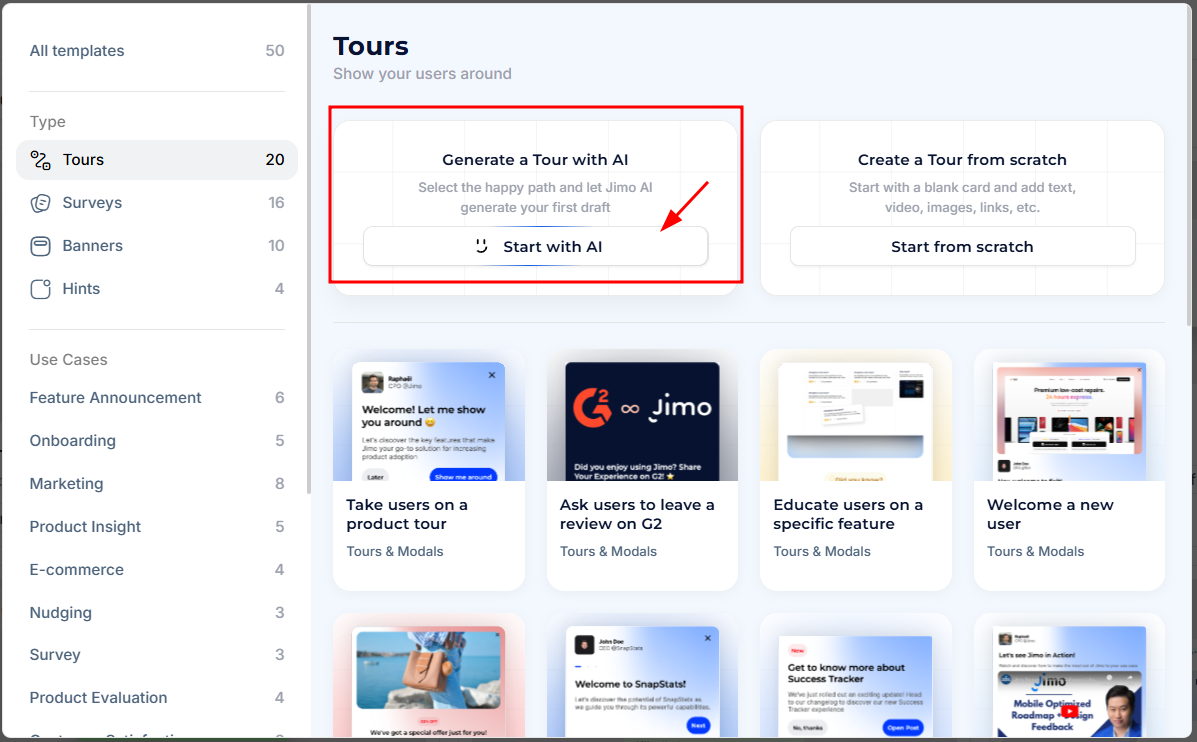
To access the AI Builder, click **New Tour** from your dashboard and select the **Start with AI** option. You'll be prompted to enter a starting URL before launching into one of two smart creation modes: flow recording or element highlighting.
***
## **Builder Structure**
All builder types share a consistent structure for ease of use, designed to simplify creating, editing, and managing Jimo experiences. \
\
Each part of the builder has distinct roles to streamline the process, whether you’re working on sequential flows, single-step experiences, or unordered steps.
### **Top Bar**
The **Top Bar** provides key navigation and action tools, tailored to the current builder type.
Content
Flow
Legacy
In-app
A/B test
**⇒ From left to right:**
{% tabs %}
{% tab title="Arrow Button" %}
Go back to the Dashboard.
{% endtab %}
{% tab title="Name & Type" %}
* Displays the type of the current experience (e.g., Tour, Survey, Hint, etc.).
* Edit the name of your experience.
{% endtab %}
{% tab title="Variant Switch" %}
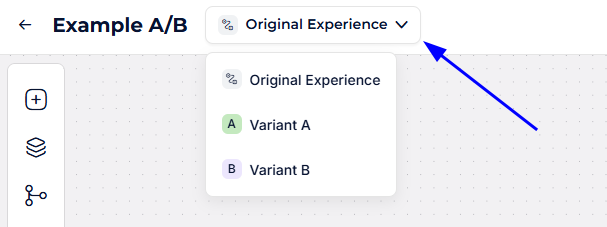
The **Variant Switch** is available when an **A/B Test** is running on a **Tour**.\
It allows you to toggle between the **Original** and alternative variants (A, B) directly in the builder top bar.
* **Select a variant** from the switch to load its flow in the builder.
* Any edits you make will apply **only to the active variant**.
* The **Original variant** cannot be deleted, but you can freely edit or delete Variant A/B.
This feature ensures you can design, test, and refine each version independently while keeping them all under the same tour.
📖 For more details on creating and managing A/B Tests, see the [detailed documentation](https://help.usejimo.com/docs/analyze/a-b-test).
{% endtab %}
{% tab title="Builder-Specific Controls" %}
* **Flow/Content Tab Switcher** for sequential experiences (Tours, Surveys).
* **Fixed/Editable Steps List** for non-sequential types (Hints, Checklists, Banners).
{% endtab %}
{% tab title="Status Info" %}
* **Save Alert**: Green Checkmark confirms that changes have been saved successfully.
* **Missing Alert**: Indicates if the [Chrome extension](https://help.usejimo.com/docs/getting-started/extension) is missing and what that implies, with a link to the Extension Page.
* **Live Edit Alert:** Notify that you're editing an already published experience and tell what does it [implies in the builder and analytics](#user-content-fn-1)[^1].
{% endtab %}
{% tab title="Action Buttons" %}
* **Save**: Save progress.
* **Edit In-App**: Launch the In-App Builder for direct editing on the target site.
* Replaced by **Interact with App** when already in the in-app mode.
Learn more on the [In-app Builder page](https://help.usejimo.com/docs/build/builders/in-app-builder).
* **Preview**: Simulate the experience to see how it looks and behaves.
Learn more on the [Preview page](https://help.usejimo.com/docs/build/preview).
* **Target & Publish**: Manage targeting and publish the experience.
⇒ Replaced by **Publish Changes** for edits.
* Disabled when the experience flow is invalid, with hoverable tooltips listing missing or invalid configurations.
Learn more on the [Target & Publish page](https://help.usejimo.com/docs/publish/target-and-publish).
{% endtab %}
{% endtabs %}
***
### **Menu Sidebar**
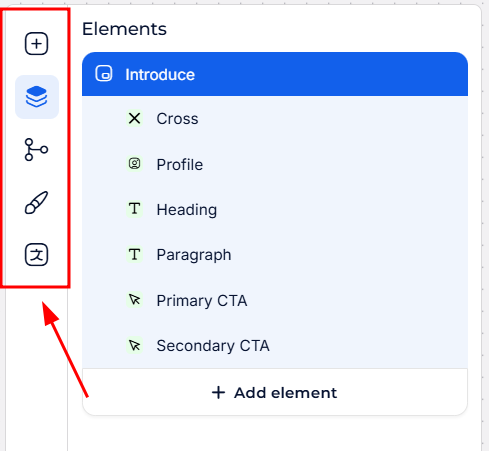
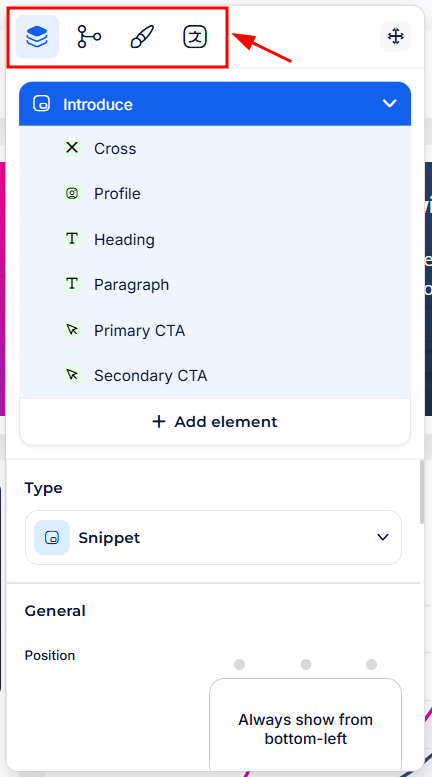
The **Menu Sidebar** serves as the central navigation within the builder, displayed differently based on the mode:
{% tabs %}
{% tab title="Vertical Sidebar (Content Builder)" %}
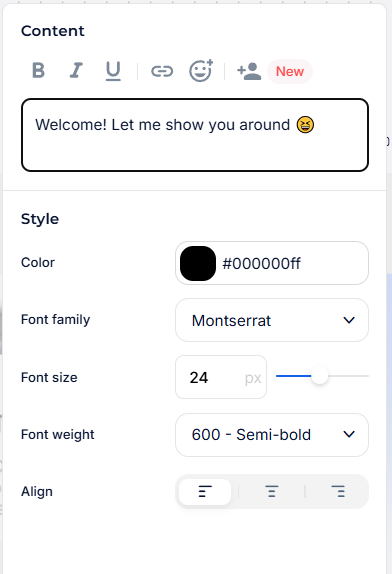
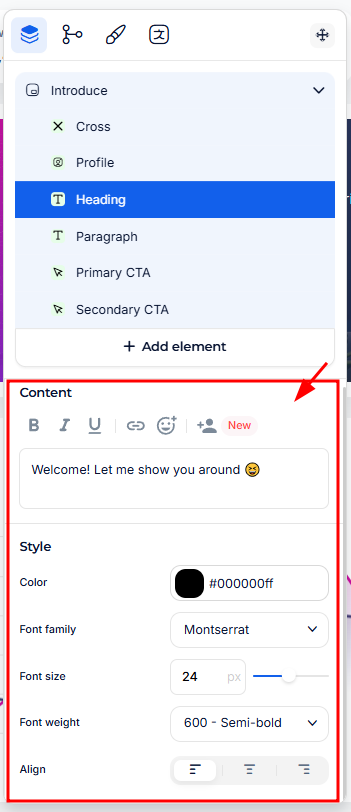
Visible in Flow, Content, and Legacy Builders.
Content
{% endtab %}
{% tab title="Horizontal Menu (In-app builder)" %}
Shown in the movable menu within the In-App Builder.
In-app
{% endtab %}
{% endtabs %}
**⇒ Key tools in the menu:**
{% tabs %}
{% tab title="(Optional) Add Icon" %}
Opens the [Flow Builder](https://help.usejimo.com/docs/build/builders/flow-builder) to add more steps (only for sequential flows).
{% endtab %}
{% tab title="Navigator" %}
Manage all elements in the current step, add new ones, and configure their parameters. Learn more on the [Navigator page](https://help.usejimo.com/docs/build/navigator).
{% endtab %}
{% tab title="(Optional) Triggers & Conditions" %}
Define logic to progress steps, including triggers for Tours and conditions for Surveys. Visit the [Triggers & Conditions page](https://help.usejimo.com/docs/build/triggers-and-conditions).
{% endtab %}
{% tab title="Theme" %}
Save and apply visual designs for a consistent style across the experience. Learn more on the [Theme page](https://help.usejimo.com/docs/build/theme).
{% endtab %}
{% tab title="Translations" %}
Manage text alternatives for multiple languages. See the [Multiple Languages page](https://help.usejimo.com/docs/build/multiple-languages) for details.
{% endtab %}
{% endtabs %}
***
### **Center View**
The **Center View** is the main preview area for designing and reviewing step content.
{% tabs %}
{% tab title="Flow Builder" %}
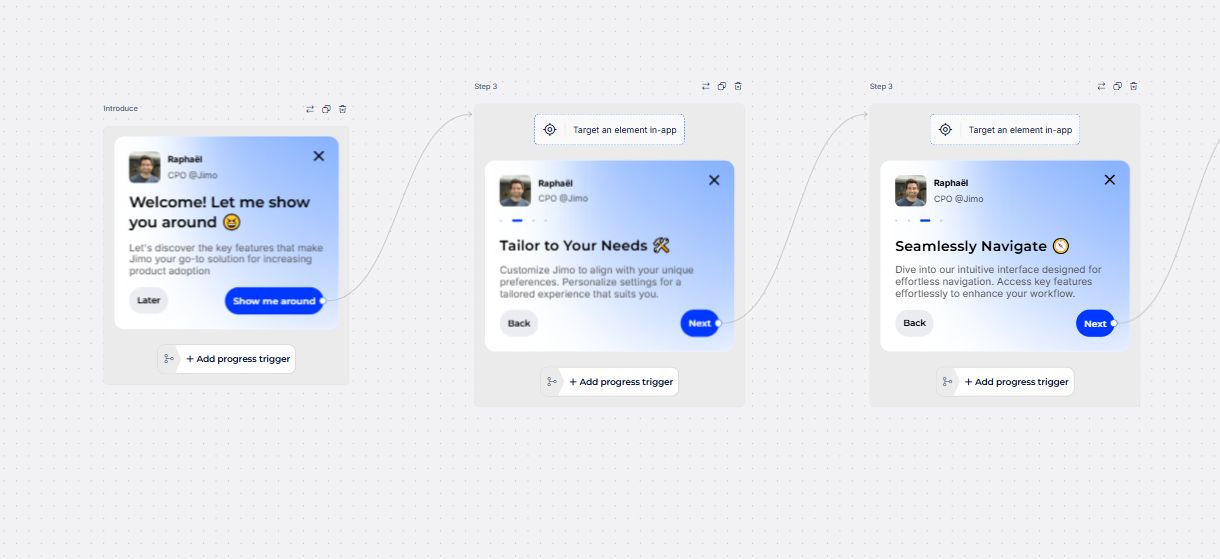
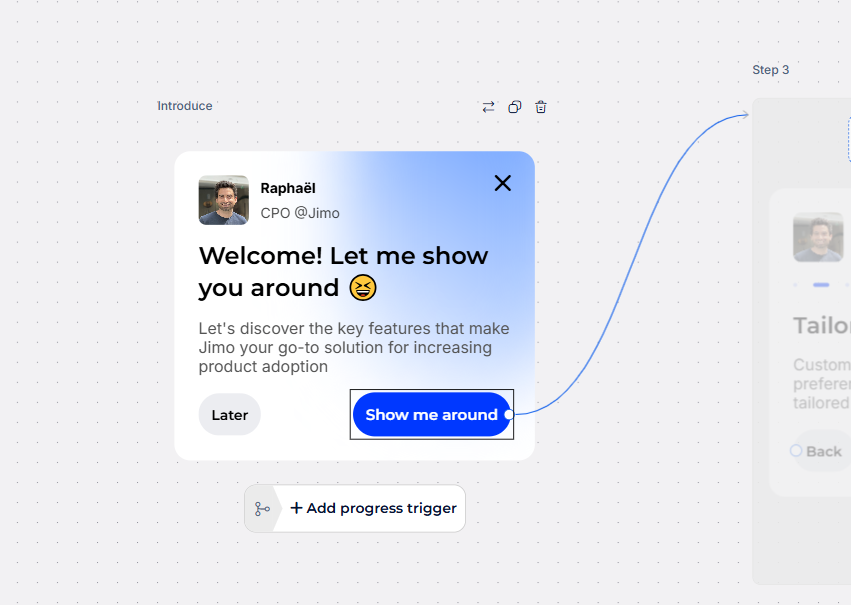
Displays a preview of all steps and their connections within a structured flow. \
Easily manage step order, rename them, and access quick controls for triggers, conditions, and positioning.
Flow
* **Sequential Flows (Tours & Surveys)**:
* Reorder, rename, and manage steps directly in the central view.
* Quick access to triggers, conditions, and positioning options for targeted steps.
* Preview targeted elements directly on the steps.
{% endtab %}
{% tab title="Content Builder" %}
Focuses on a single step, highlighting the currently selected element in the [Content Builder](https://help.usejimo.com/docs/build/builders/content-builder).\
The right sidebar updates dynamically based on the selected element.
Content
* **Element Interaction**: Click on any element in the preview to open its parameter settings, similar to accessing them through the navigator.
{% endtab %}
{% tab title="In-app Builder" %}
Overlays the selected website in the background, allowing you to build experiences directly in context. See real-time positioning and interactions within the live environment.
{% endtab %}
{% endtabs %}
| Dynamic Content | Core Sections | Options |
| :---------------------------------------------------------: | ----------------------------------------------------------------------------------------- | -------------------------------------------------------------------------------------- |
| **Updates based on the selected element in the Navigator.** | **Parameters are grouped into categories like Behavior, Content, Style, etc.** | **Each parameter is detailed within the Components section for each experience type.** |
| Tours | [Main features](https://help.usejimo.com/docs/experiences/tours-and-modals#main-features) | [Components](https://help.usejimo.com/docs/experiences/tours-and-modals/components) |
| Surveys | [Main features](https://help.usejimo.com/docs/experiences/surveys#main-features) | [Components](https://help.usejimo.com/docs/experiences/surveys/components) |
| Banners | [Main features](https://help.usejimo.com/docs/experiences/banners#main-features) | [Components](https://help.usejimo.com/docs/experiences/banners/components) |
| Hints | [Main features](https://help.usejimo.com/docs/experiences/hints#main-features) | [Components](https://help.usejimo.com/docs/experiences/hints/components) |
| Checklists | [Main features](https://help.usejimo.com/docs/experiences/checklists#main-features) | [Components](https://help.usejimo.com/docs/experiences/checklists/components) |
[^1]: 
---
# Agent Instructions: Querying This Documentation
If you need additional information that is not directly available in this page, you can query the documentation dynamically by asking a question.
Perform an HTTP GET request on the current page URL with the `ask` query parameter:
```
GET https://help.usejimo.com/docs/build/builders.md?ask=
```
The question should be specific, self-contained, and written in natural language.
The response will contain a direct answer to the question and relevant excerpts and sources from the documentation.
Use this mechanism when the answer is not explicitly present in the current page, you need clarification or additional context, or you want to retrieve related documentation sections.